把terminal的前缀改短
nano ~/.bashrc
然后找到这行
if [ "$color_prompt" = yes ]; then
    PS1='${debian_chroot:+($debian_chroot)}\[\033[01;32m\]\u@\h\[\033[00m\]:\[\033[01;34m\]\w\[\033[00m\]\$ '
else
    PS1='${debian_chroot:+($debian_chroot)}\u@\h:\w\$ '
fi
改成
if [ "$color_prompt" = yes ]; then
    #PS1='${debian_chroot:+($debian_chroot)}\[\033[01;32m\]\u@\h\[\033[00m\]:\[\033[01;34m\]\w\[\033[00m\]\$ '
    PS1='${debian_chroot:+($debian_chroot)}\[\033[01;32m\]\u\[\033[00m\]:\[\033[01;34m\]\W\[\033[00m\]\$ '

else
    PS1='${debian_chroot:+($debian_chroot)}\u@\h:\w\$ '
fi
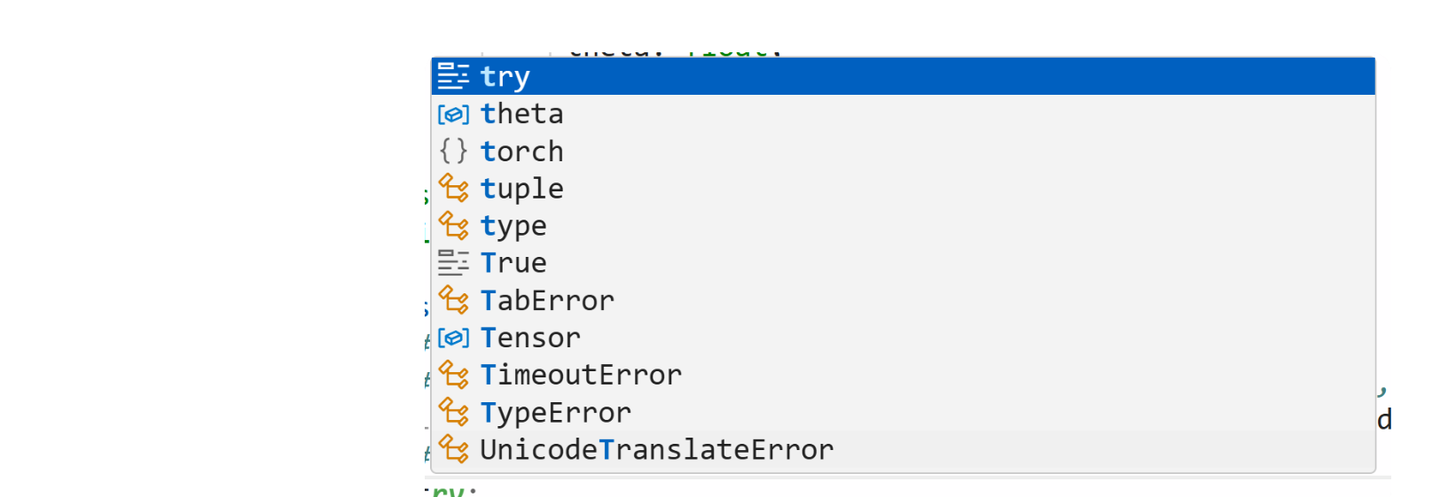
disable quicksuggestion
如果不想要这个自动suggestion
添加图片注释,不超过 140 字(可选)
search quickSuggestions in settings, turn other off.
search suggestOnTriggerCharacters, turn it off
更改setting
在最上面输入> 然后找到open user settings第一个

添加图片注释,不超过 140 字(可选)
打开terminal
ctrl+`
Shortcut
同时选择同样名字的变量:先选中变量,然后ctrl+D
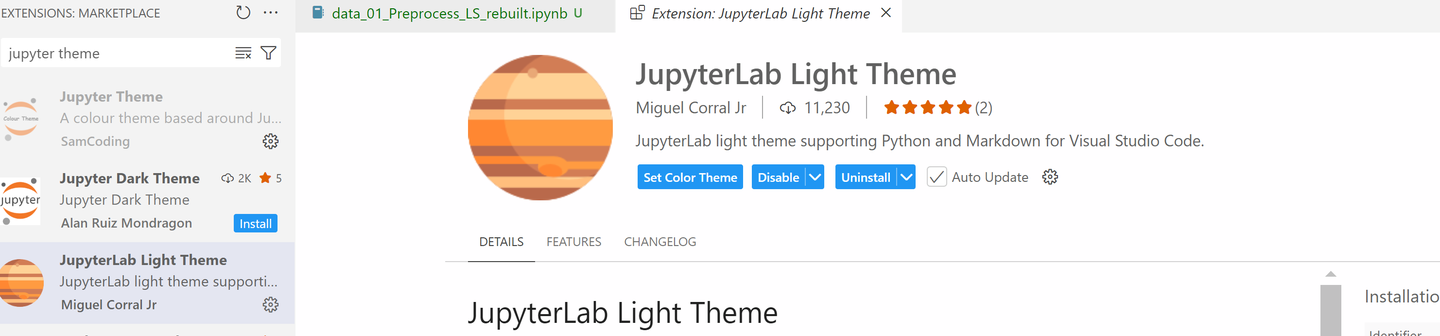
Jupyter Theme
测了几个,下面这个最像
添加图片注释,不超过 140 字(可选)
bug是select multiple cell的时候不会显示highlight, 然后运行cell的时候不会显示运行
调小行间距
>Open user setting (json)
{
    "terminal.integrated.defaultProfile.windows": "Command Prompt",
    "explorer.confirmDelete": false,
    "jupyter.askForKernelRestart": false,
    "editor.minimap.enabled": false,
    "explorer.confirmDragAndDrop": false,
    "git.enableSmartCommit": true,
    "terminal.integrated.enableMultiLinePasteWarning": false,
    "files.associations": {
        "*.rmd": "markdown"
    },
    "git.autofetch": true,
    "[python]": {
        "editor.formatOnType": true
    },
    "editor.inlineSuggest.enabled": true,
    "files.autoSave": "afterDelay",
    "workbench.colorTheme": "JupyterLab Light",

    "editor.lineHeight": 17,
    "breadcrumbs.enabled": false,
    "notebook.insertToolbarLocation": "notebookToolbar",
    "notebook.showCellStatusBar": "hidden",
    "notebook.cellToolbarLocation": {
        "jupyter-notebook": "hidden"
    },
    "notebook.globalToolbar": false,
    "notebook.experimental.outputScrolling": true,
    "notebook.consolidatedRunButton": true,
}
上面后面这段来自
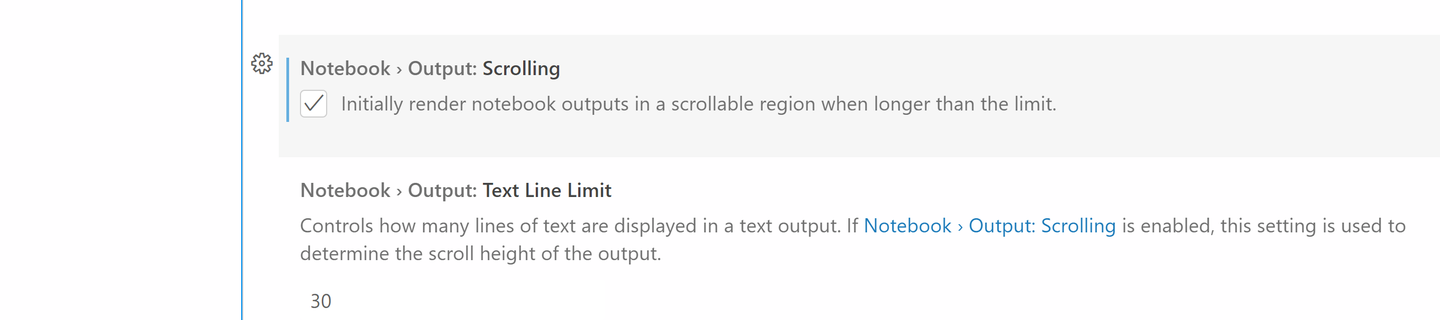
Enable scrolling for cell output
Preference > Settings > notebook.output.scrolling check box
添加图片注释,不超过 140 字(可选)
Jupyter outline
可以把右边的outline拽到最左侧,方便点击

添加图片注释,不超过 140 字(可选)
Copilot
ctrl+alt+I 然后把icon拽到最左侧